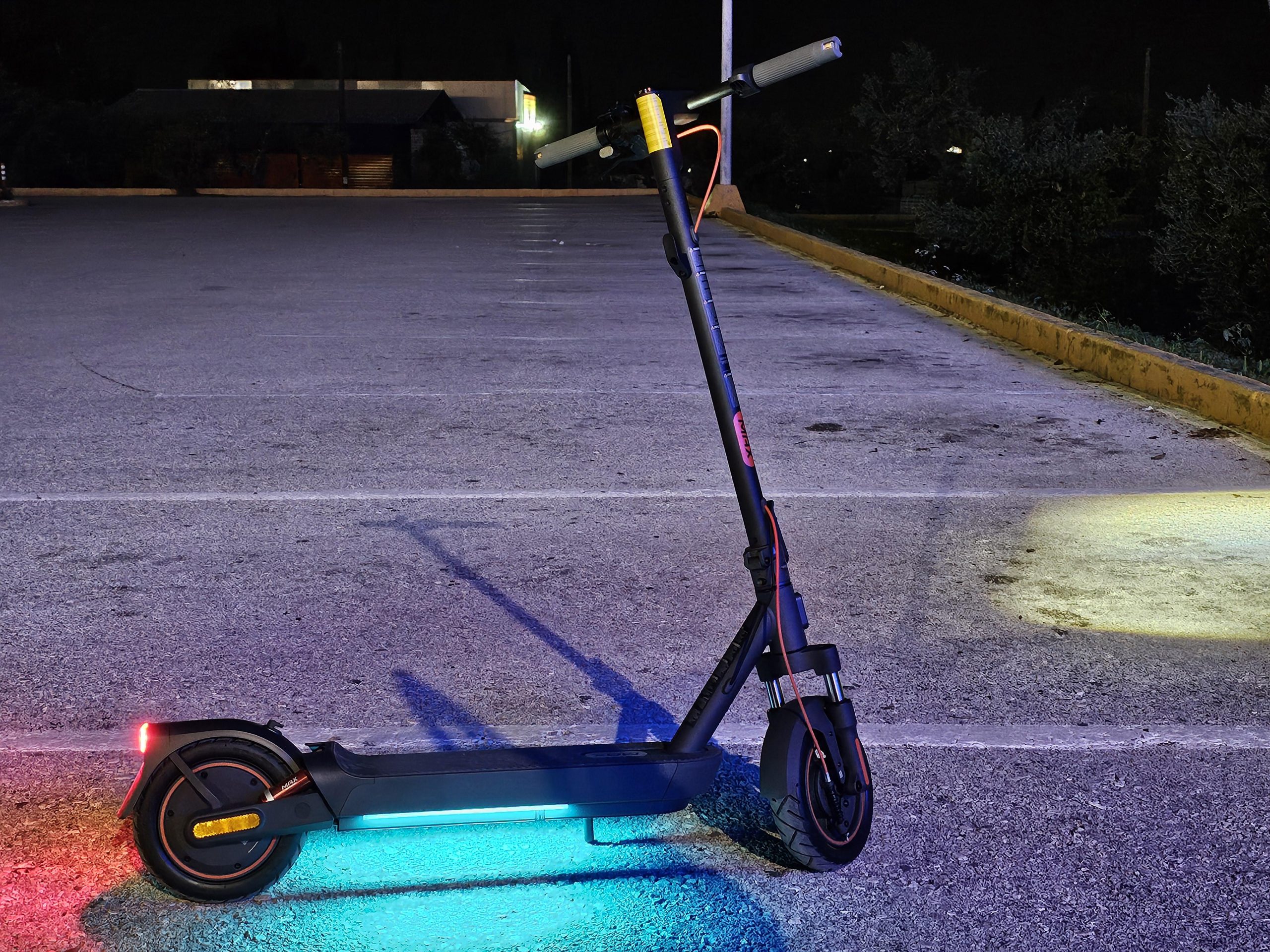
The Xiaomi Electric Scooter Elite is a popular entry-level electric scooter with a stock top speed of 25 km/h in Sport mode (Walking: 6 km/h, Standard: 20 km/h).
Many riders want to unlock its full potential for faster commutes or more thrilling rides.
While Xiaomi designs the limiter for safety and regulatory compliance, community-developed firmware patches can remove it safely when done correctly.
Why the Speed Limiter Exists
Xiaomi caps the scooter at 25 km/h to meet EU-style regulations, ensure safe braking distances, and prevent motor overheating. Unlocking it typically lets riders reach 30–35+ km/h (depending on rider weight, terrain, and battery level), but real-world gains vary.
Recommended Method: UART Firmware Flashing
The most reliable way for the Xiaomi Electric Scooter 5 Max uses a simple UART cable and free software tools.
What You’ll Need
- 5-pin female M7 Julet/dashboard cable
- USB-to-UART adapter (CH340, FT232RL, or CP2102 – set to 5V).
- DuPont wires (female-to-female, 3–4 needed).
- Basic tools: Original scooter wrench, Phillips screwdriver.
Recommended ready-made kits
- Scootronix or eBay kits specifically for Xiaomi Electric Scooter 5 Max.
- FTDI drivers.
- BW-Flasher (latest release from GitHub).
- mi-fw-info tool (to download stock firmware).
- BW-Patcher (to apply patches).
Step-by-Step Guide
1. Prepare Your Computer
- Install drivers and download BW-Flasher, mi-fw-info, and BW-Patcher. Use mi-fw-info to download the latest MCU firmware for the “Xiaomi Elite”.
2. Patch the Firmware
- Upload the stock firmware to BW-Patcher.
- Select patches: “Remove speed limit” (and optionally “Region free”).
- Download the patched .bin file.
3. Disassemble the Handlebar
- Remove the four screws on the handlebar stem (use the original wrench). Pull out the stem slightly to access the dashboard connector.
4. Connect the UART Cable
- Turn the scooter ON and enable “Tail light always on” in the Xiaomi Home app (important for flashing).
- Unplug the dashboard connector.
- Attach your 5-pin cable (follow the exact pinout: White = RX, Yellow = GND, Green = TX for M7 connectors).
- Connect to your USB-UART adapter and plug into your computer. A new COM port should appear in Device Manager.
5. Flash the Firmware
- Open BW-Flasher, select the correct COM port and your patched .bin file.
- Click Flash (scooter must be powered on).
- Wait for 100% completion. Errors are common on first try – just retry.
6. Reassemble and Test
- Reconnect everything, tighten screws, and test in an open, safe area. Expect significantly higher top speeds (video shows ~35 km/h downhill).
This method was popularized in a detailed tutorial video and works in about 5 minutes once prepared as we attach below.
Post-Flash Tips
- Brakes: Tighten the rear wheel nut slightly until you hear a light grind when braking; this improves stopping power at higher speeds.
- Range & Heat: Expect 10–20% less range at higher speeds. Monitor motor temperature on long rides.
- Revert: You can always flash the original firmware again if needed.
Important Disclaimer
This article is for informational and educational purposes only. Removing the speed limiter:
– Voids your warranty.
– May reduce range, increase heat, and strain the motor/brakes.
– Could be illegal in your area (many countries limit e-scooters to 25 km/h or less on public roads).
– Carries safety risks if not done properly.
Proceed at your own risk. Always ride responsibly, wear protective gear, and check local laws.